Settings
The Settings section allows you to customize your experience and manage key features of the bot.
Access the Settings Menu
To open it, tap 🛠️ SETTINGS from the main menu.
Inside, you'll find:
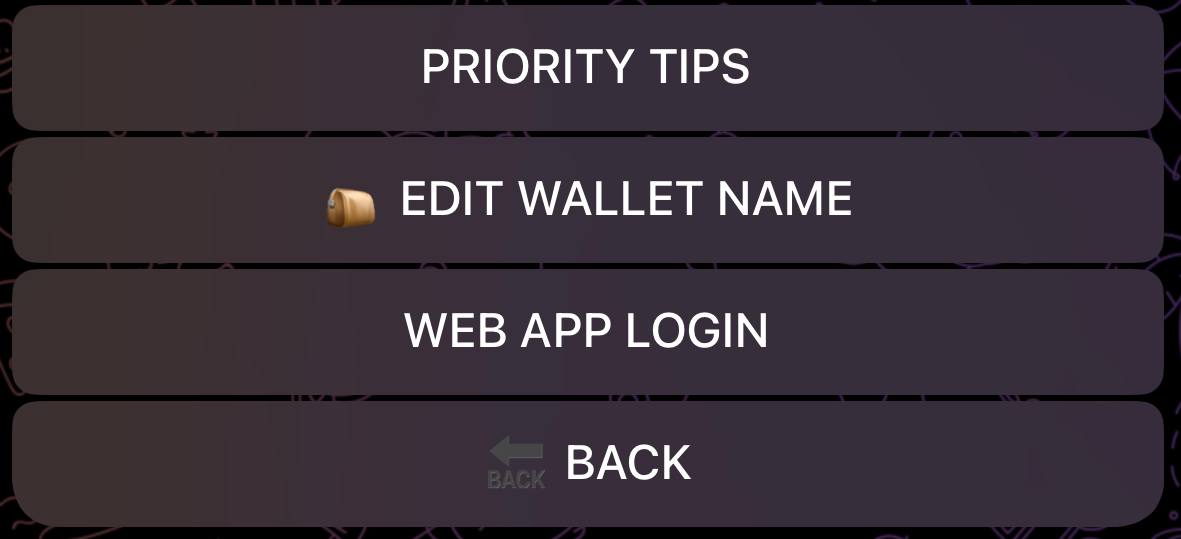
Transaction Settings
Priority Tips (Jito MEV Protection)
Priority tips determine how much extra you pay to prioritize your transaction. Higher tips mean faster execution and better protection against MEV (Miner Extractable Value) attacks.
| Level | Name | Best For |
|---|---|---|
| ⚡ | Default | Small trades, low-activity tokens |
| ⚡⚡ | High | Moderate trades, active tokens |
| ⚡⚡⚡ | Turbo | Large trades (1+ SOL), high-activity tokens |
| Custom | Custom Tip | Set your own tip amount in SOL |
Note: Higher tips increase your transaction costs but improve execution speed and success rate, especially during high network congestion or for popular tokens.
Slippage Tolerance
Slippage is the difference between the expected price and the actual execution price. Set your maximum acceptable slippage percentage.
- Default: 10%
- Range: 1% to 50%
- Lower slippage: Better price, but trades may fail if price moves
- Higher slippage: More likely to execute, but may get worse price
When to adjust slippage:
- Increase for volatile tokens or fast-moving markets
- Decrease for stable tokens or when you need price certainty
Buy/Sell Presets
Customize your quick-buy and quick-sell buttons for faster trading.
Buy Presets
Set 3 preset amounts for the buy terminal:
- Default: 0.05 SOL, 0.5 SOL, 1 SOL
- Custom: Set any amounts you prefer
Sell Presets
Set 3 preset percentages for the sell terminal:
- Default: 25%, 50%, 100%
- Custom: Set any percentages (e.g., 10%, 33%, 75%)
These presets appear as quick buttons when trading, allowing one-tap execution.
Wallet Settings
Edit Wallet Name
Rename your wallets to keep them organized. Useful when managing multiple strategies:
- "Main Trading"
- "Copy Trade Wallet"
- "Sniper Wallet"
Set Default Snipe Wallet
Choose which wallet is used by default when sniping from the AI Scanner channel.
Link X (Twitter) Username
Connect your X handle to your wallet for profile display and social features.
Notifications
Disable Tip Notifications
Turn off notifications for transaction tips to reduce message clutter.
Signal Alerts
Toggle notifications for new signals from callers you follow.
Web App Login
Generate a secure login link to access the SolCypher Web Terminal. The web terminal provides:
- Full trading capabilities in your browser
- Better charts and data visualization
- Multi-wallet management
- Works on any device
Per-Wallet vs Global Settings
Some settings apply globally, others are per-wallet:
| Setting | Scope |
|---|---|
| Priority Tips | Per wallet |
| Slippage | Per wallet |
| Risk Amount | Per wallet |
| Buy/Sell Presets | Per wallet |
| Wallet Name | Per wallet |
| Notifications | Global |
Note: When you create a new wallet, it inherits default settings. Configure each wallet individually for different strategies.